An AI software factory is a system that takes units of engineering work, usually issues from a tracker, and moves each one through a repeatable workflow run by AI coding agents: plan, implement, test, review and deliver a pull request. People define the workflow, approve the decisions that carry risk and review the result. The factory does the repetitive orchestration in between.
The term is new, but the idea is not. Engineering teams already run assembly lines for code: CI pipelines, review rules, release trains. A software factory adds agents that can do the work at each station, and the plumbing that lets many pieces of work move through at once without anyone babysitting a chat window.
This post explains what the parts are, what kinds of work fit, what a factory is not, and how to start one without betting the codebase on it.
A short definition
If you want one sentence: an AI software factory is a versioned workflow of agent steps, gates and limits that turns issues into reviewed pull requests, many at a time.
Three words in that sentence do most of the work:
- Workflow. The steps are written down and the same every time. Two engineers starting the same kind of task get the same process, and you can improve it in one place.
- Gates. Between steps, something has to be true before work moves on: tests pass, a reviewer approves, a person signs off on the plan.
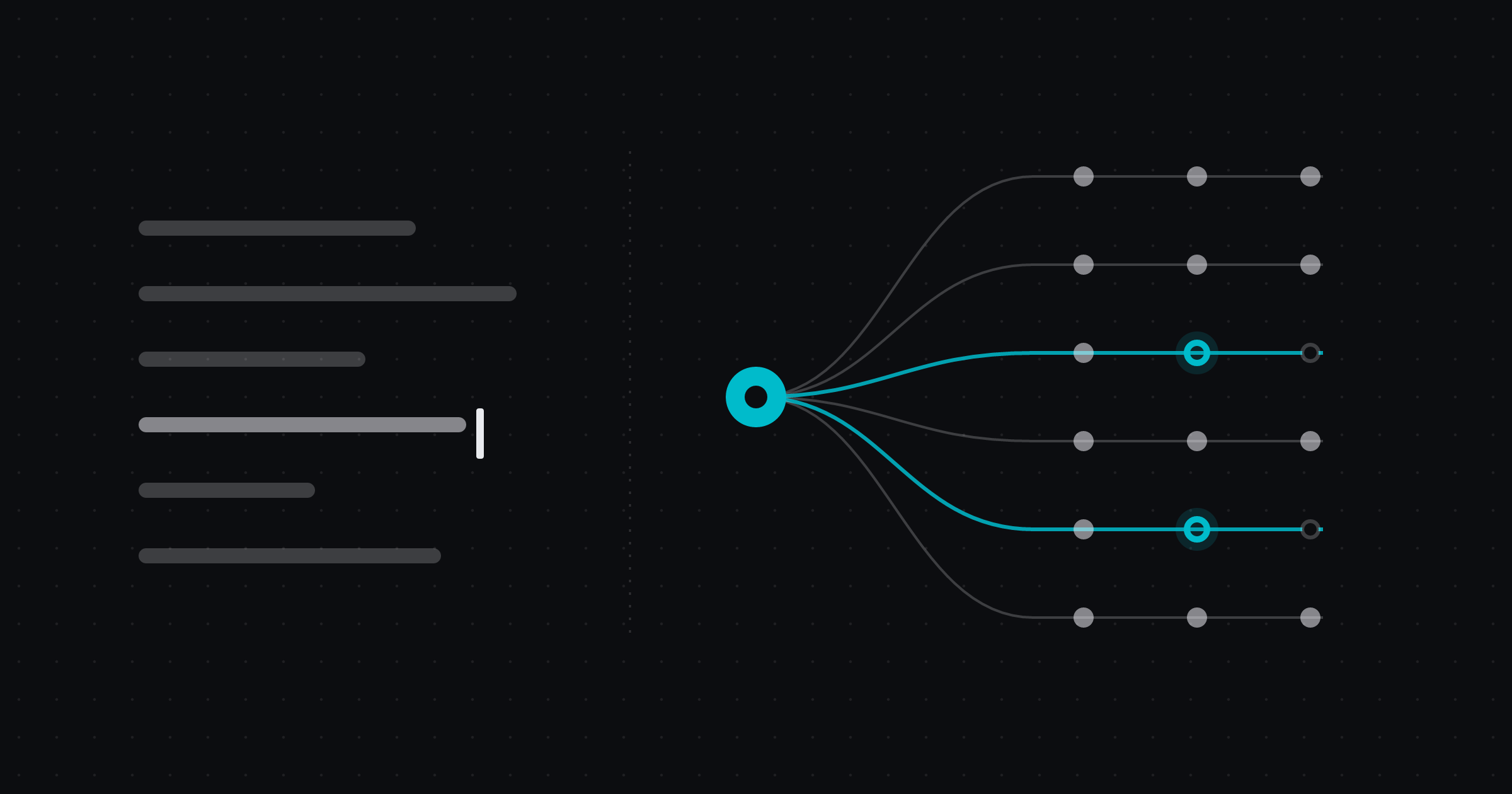
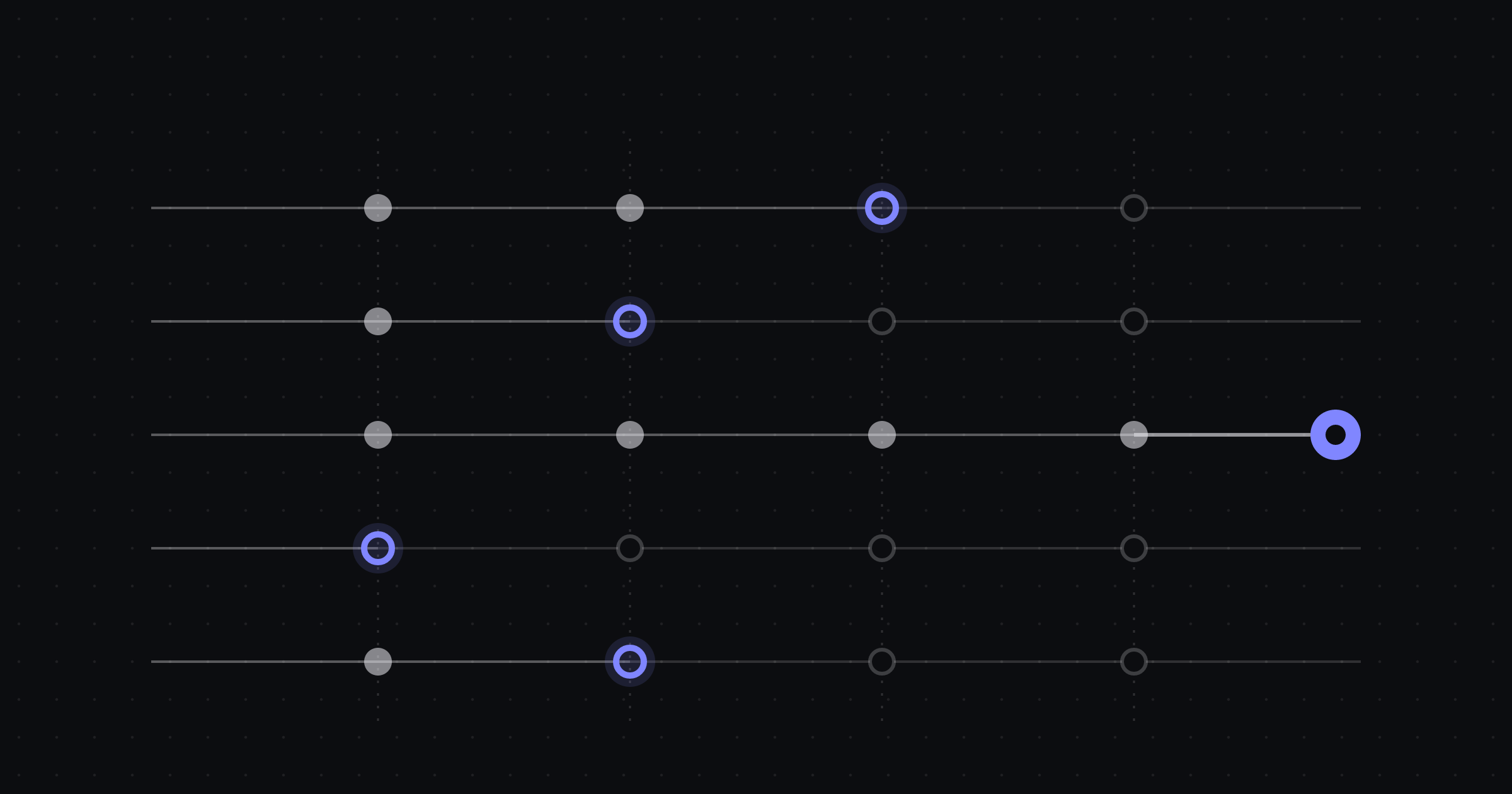
- Many at a time. A single agent in an editor helps one person. A factory runs work in parallel, each run in its own isolated workspace.
Why call it a factory?
Factories are a good metaphor for one reason: they separate the design of the process from the execution of it. Someone designs the line, picks the stations, decides where quality checks go and what happens to a part that fails inspection. Then the line runs.
That maps closely to how agent work goes well in practice. The most useful thing a senior engineer can do is not to type prompts all day. It is to decide how a class of work should be done (what a good plan contains, which tests prove a change, when a human must look) and encode that once.
The metaphor breaks down in one important place: a software factory is not lights-out. Software changes carry judgment that a stamping press does not. The factory exists to make human judgment go further, not to remove it.
The parts of an AI software factory
Whatever tool you use, a working factory has the same components.
Intake: where work comes from
Work enters through triggers. The most common is an issue tracker: when an issue in Linear, GitHub or Jira gets a label such as agent-ready, a run starts. Other triggers include production alerts (an error spike in Sentry), schedules (a weekly dependency update), pull request events, webhooks, or someone typing a request directly.
Good intake is selective. The trigger is where you decide which work the factory is allowed to pick up, so it should be narrow at first.
Workflows: the line itself
A workflow is the ordered set of steps a run goes through. The canonical shape for code changes is:
- Plan. Read the issue and the relevant code, propose an approach, list the files that will change.
- Implement. Make the change in an isolated branch or worktree.
- Test. Run the existing suite, add tests for the new behaviour, fix what breaks.
- Review. Check the diff against the plan and the team’s standards, by an agent reviewer, a person, or both.
- Deliver. Open the pull request, or merge it when every check is green and policy allows.
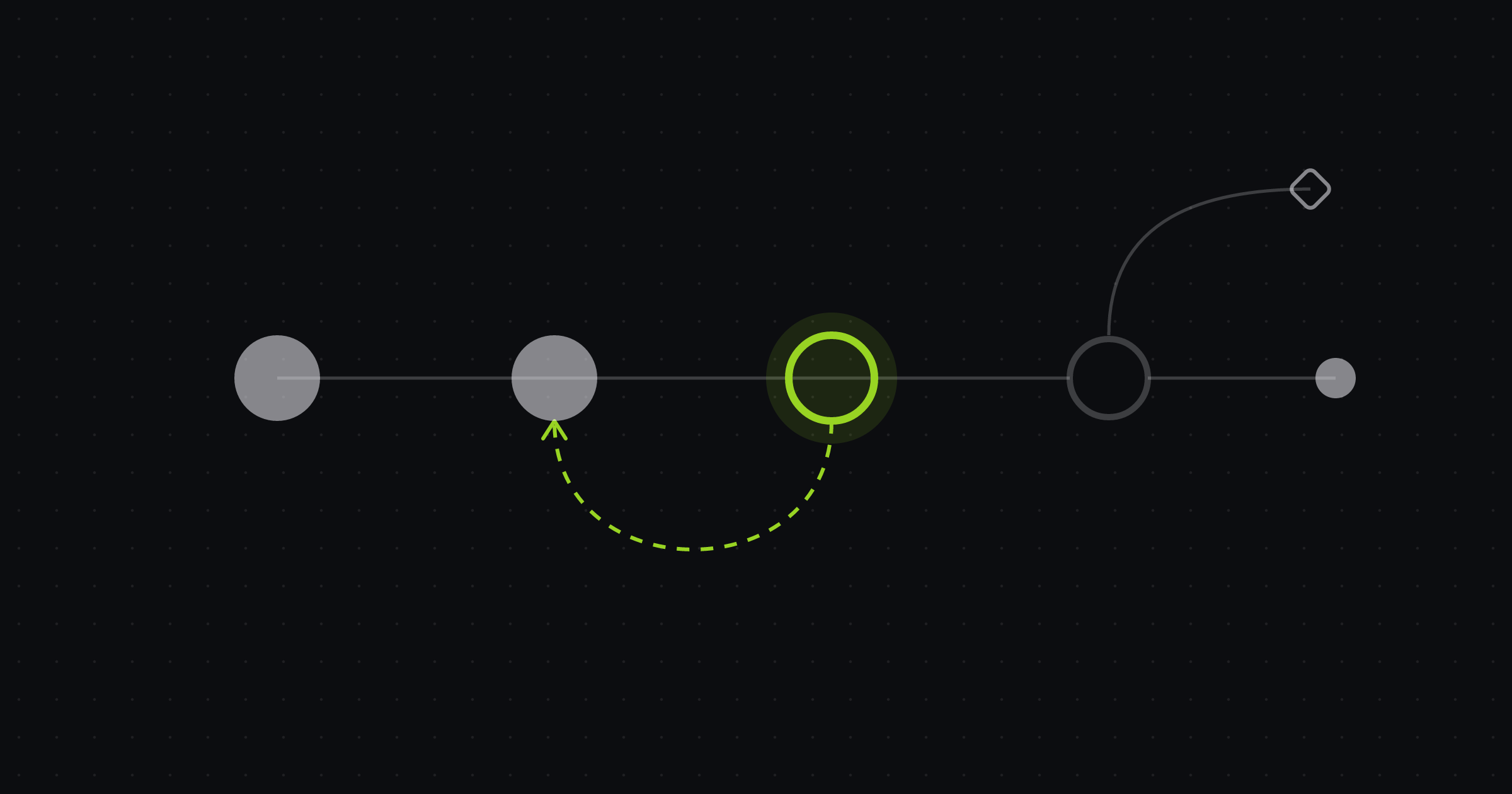
Real workflows add branches (small changes skip the written spec, large ones require it), retries (a failed test sends the run back to implementation with the failure attached) and notifications. We go deeper in Designing an AI agent workflow.
Agents, skills and context
Each step is owned by an agent: a model with instructions, tools and permissions suited to that step. A planner needs to read widely; an implementer needs to edit and run commands; a reviewer needs to read the diff and comment, not to push code.
Agents get better with skills (packaged instructions for a recurring task, such as “how we write database migrations”) and context (architecture notes, conventions, the issue’s history). Most of the quality difference between a mediocre factory and a good one comes from this layer, not from the model.
Sandboxes: where work runs
Every run needs somewhere safe to execute: a git worktree on a developer machine, a container, or a cloud computer with the repo’s dependencies installed. Isolation matters for two reasons. Runs must not trample each other’s files, and an agent running rm or a migration should only ever be able to damage a disposable copy.
Gates and approvals
Gates decide when work moves forward. Some are automatic (CI is green, a review check passed). Some require a person: approve this plan, allow this command, review this pull request. The design question is which decisions deserve human attention. We cover that in How to keep humans in control of autonomous agents.
Budgets and limits
Agents spend money on model tokens and compute, and a run that loops can spend a lot of it. A factory needs per-run caps, time limits, concurrency limits and budgets at the level of the team or project, with a sane behaviour when a limit is hit. See Controlling AI agent spend.
Measurement
Finally, a factory should tell you how it is doing: how many runs start, how many end in a merged pull request, where runs fail, how long each step takes and what each merged change cost. Without this you cannot tell whether a workflow change helped.
What an AI software factory is not
The term gets stretched, so it helps to be precise.
- It is not autocomplete. Inline suggestions in an editor are useful, but the developer drives every keystroke. A factory owns a whole task. We compare the two in AI coding agents vs copilots.
- It is not one giant prompt. “Build me the feature” with no plan, no tests and no review is a demo, not a process.
- It is not unsupervised. A factory that merges changes to production code with no human ever looking is a choice you can make for narrow, low-risk lanes. It should never be the default.
- It is not a replacement for engineering judgment. Someone still decides what to build, what good looks like and when the factory got it wrong.
What work fits a factory
Not every issue belongs on the line. Early on, choose work that is well specified, verifiable by tests and cheap to throw away.
| Good early fits | Poor early fits |
|---|---|
| Bug fixes with a clear reproduction | Ambiguous product features with open design questions |
| Small, well-scoped features behind a flag | Cross-team architectural changes |
| Dependency and framework upgrades | Work that needs production access to verify |
| Adding tests to under-tested modules | Security-sensitive changes without a reviewer available |
| Internal tooling and scripts | Anything where “done” is a matter of taste |
| Flaky test investigation | Large data migrations |
The pattern: the more clearly you can write down what done means, the better a factory will do.
How to start one
You do not need to reorganise your team to try this. A narrow pilot tells you most of what you need to know.
- Pick one lane. One repository, one class of work, for example bugs labelled
agent-readyin a single service. - Write the definition of done. What must be true for a pull request in this lane to be mergeable? Which tests, which checks, which reviewer?
- Gate the plan. Require a person to approve the plan before implementation starts. Reading a short plan takes far less time than reading a wrong diff.
- Cap the run. Set a per-run budget and time limit so a stuck run pauses instead of spending all night.
- Review every pull request. Treat agent output like a new teammate’s: read all of it at first, and loosen only when the evidence says you can.
- Widen deliberately. When the lane is reliable, add a second one. Change one thing at a time so you know what helped.
How Duun approaches it
Duun is built around this model. A factory belongs to a team and owns its repositories, workflows, guardrails and budget. Workflows are versioned: you edit them as a graph or by talking to an agent, review the diff, test-run them, then apply. Runs execute in local worktrees or cloud sandboxes. Every decision that needs a person, such as approving a plan, allowing a command, answering a question or reviewing a pull request, lands in one Inbox, designed to be cleared from the keyboard.
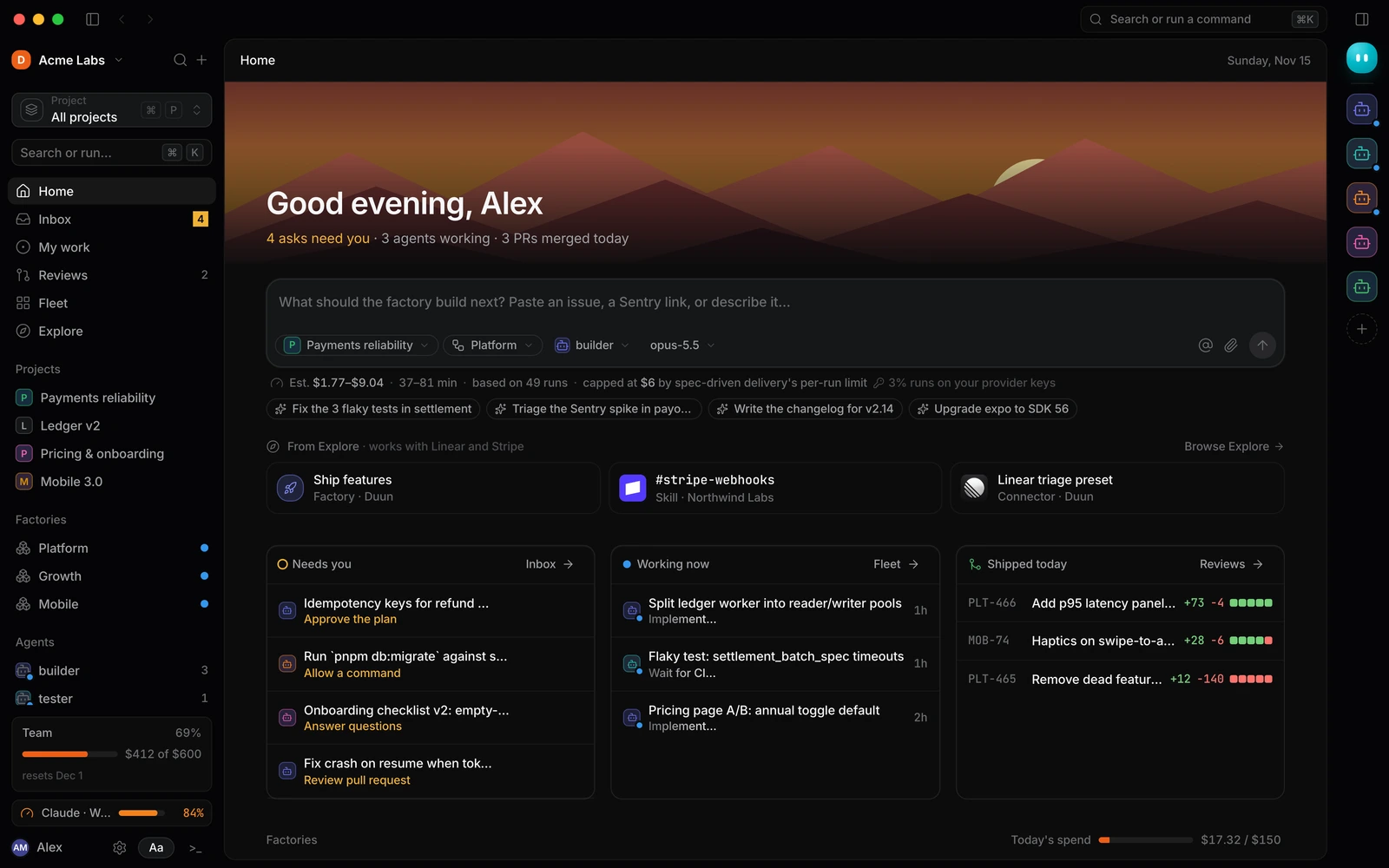
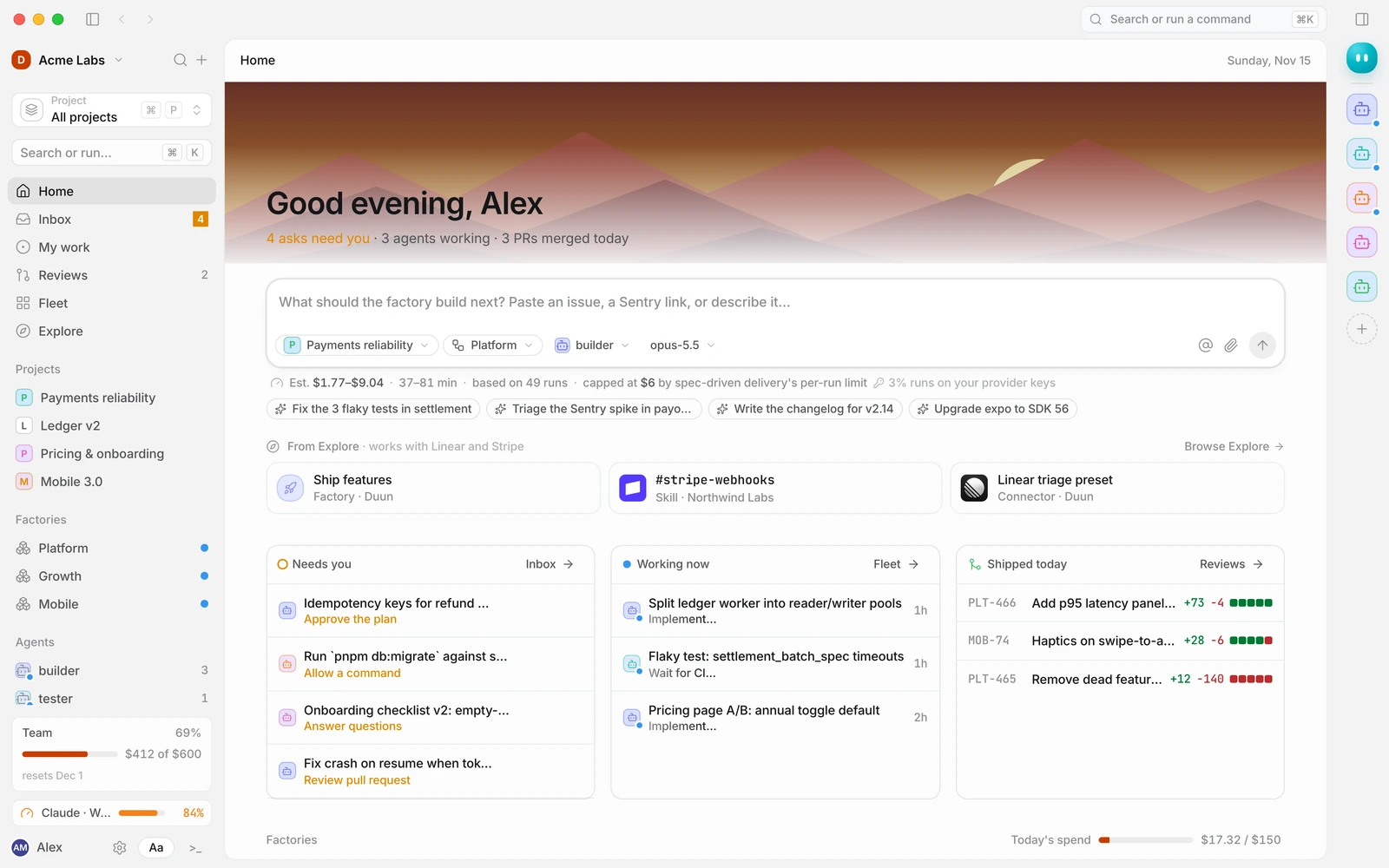
If you want the product tour, start with the tour of the app or read the core concepts in the docs. The quickstart gets a first factory running.
Frequently asked questions
Is an AI software factory the same as an AI coding assistant?
No. A coding assistant helps one developer while they write code. A software factory owns a whole task, from issue to pull request, and can run many tasks in parallel. Most teams use both.
Does a software factory replace engineers?
It changes what engineers spend time on. Less time typing routine changes, more time writing clear issues, designing workflows and reviewing results. Somebody still has to decide what to build and whether the output is good.
Do agents merge code on their own?
Only if you configure them to. A sensible default is that agents open pull requests and people merge them. Some teams later allow merge-on-green for narrow, well-tested lanes such as dependency bumps.
What does it cost to run?
Cost comes from model usage and compute time, and varies widely with the size of the codebase, the model and how many retries a workflow allows. The important thing is to estimate before a run, meter during it and cap it, so cost is never a surprise.
Try it on your backlog
Duun is in early access. If you want to point a factory at a real backlog, with approvals and budgets in place from day one, request access and tell us which lane you would start with.